Skip to content
Search
Cart (
0
)
3D # ANZ
Menu
Realise Ideas
CAD Thinking
About Rhino
About 3D ANZ
Quiet Evolution
Buy Rhino 8
FAQ
+
What are Sub D Surfaces?
What is QuadRemesh?
What are PBR materials?
What are Denoisers?
What are Emissive Materials?
What is Light Falloff?
What is Layerbook Sequencing?
What are Gradient Hatches?
What are Named Selections?
About Mould Making Tools
Why Single Line Fonts?
About File Formats
About Display Performance
About Commands
Rhino.Inside.Revit
+
Overview
Animation
Architecture
Jewellery Design
Landscape Design
Marine Design
Training
+
Rhino Level 1
Rhino Level 2
Buy Scheduled Training
Home
1
›
BakeMapping
2
BakeMapping
New in Rhino 8
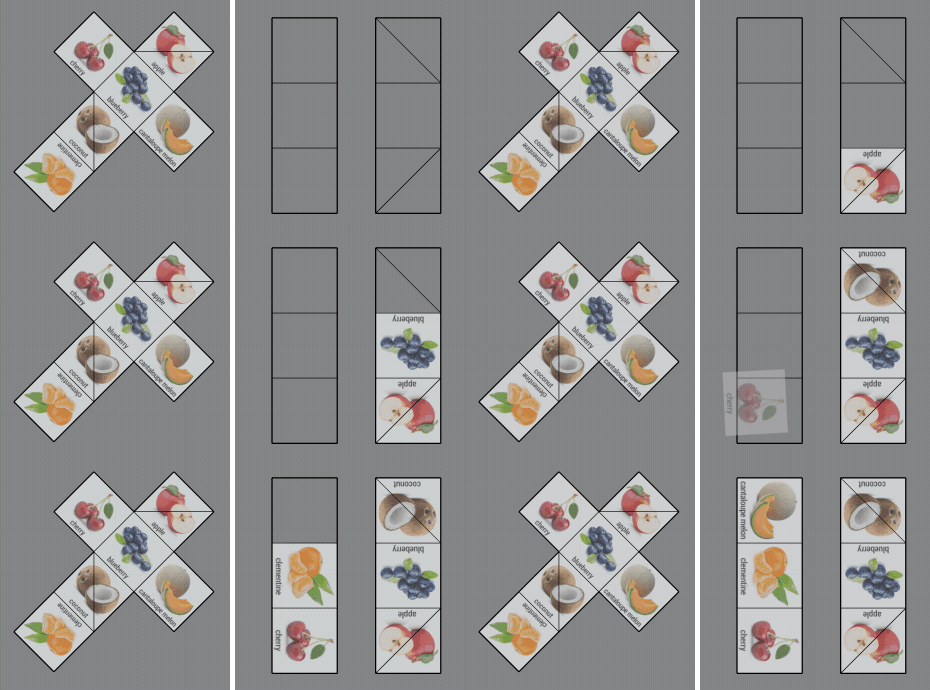
The BakeMapping command creates a new texture image by mapping a texture from a UV mesh to another.
Choosing a selection results in a full page refresh.
Press the space key then arrow keys to make a selection.